Custom OpenWrt Firmware · Hand-Tuned for Enterprise
What's actually inside our firmware
Every Rocket Pro that leaves us is loaded with our own custom build of OpenWrt SNAPSHOT (kernel 6.12, aarch64 Filogic 880). It isn't stock — we bake in a vendor-product modem dashboard so you can see the SIM, signal and Quectel RM520N-GL (Qualcomm X62) modem details at a glance, mwan3 dual-stack failover for IPv4 and IPv6, a 262,144-entry connection table, software flow offload, the CAKE queue manager for low-latency 5G, and the CPU pinned to the performance governor. It's the firmware equivalent of a service-and-MOT before the keys hit your hand.
The firmware variants we ship
🛰️
Firmware A — SFP+ Fibre with 5G SIM Failover Default
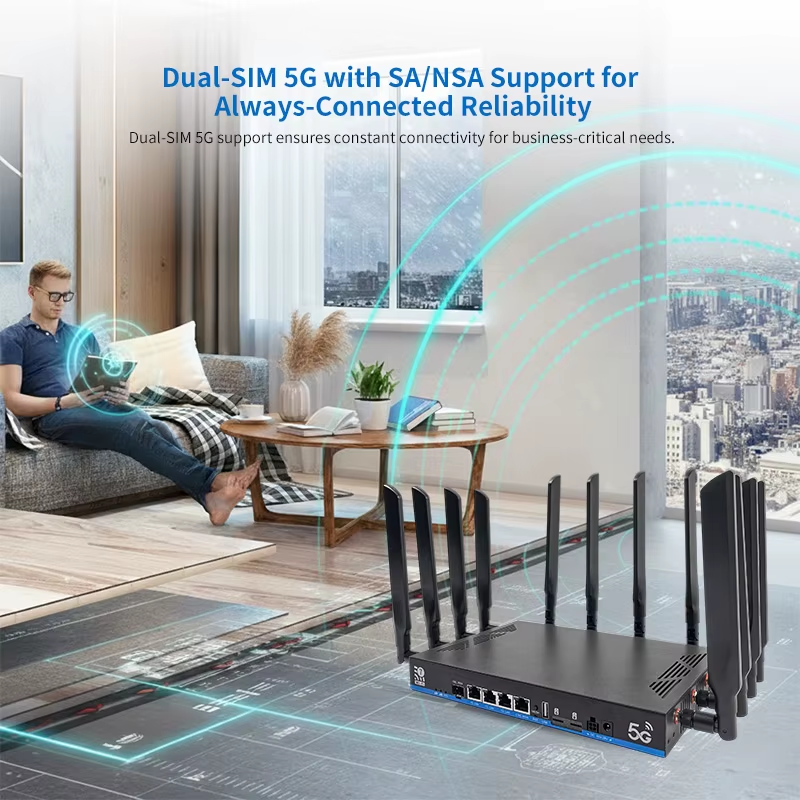
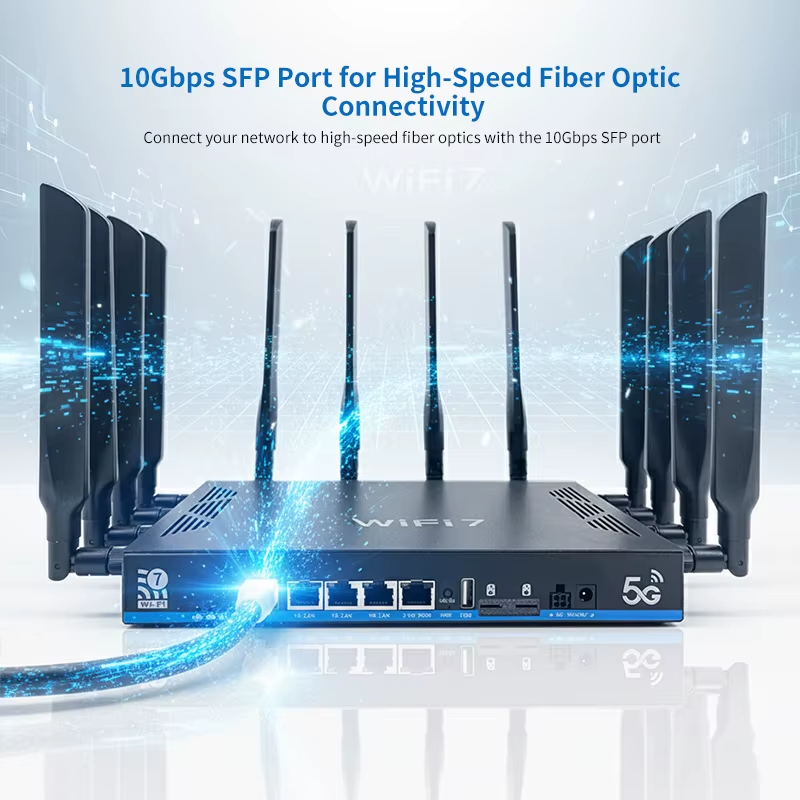
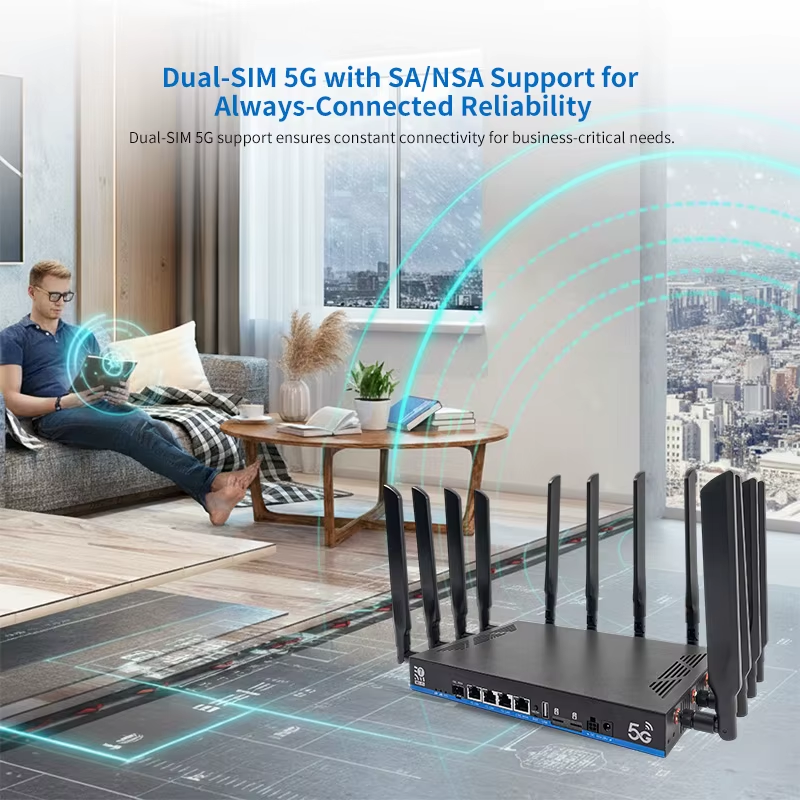
Default factory firmware. Fibre on the 10G SFP+ port is the primary path; if it goes down, mwan3 brings the 5G SIM modem online within seconds and flushes existing flows so traffic re-pins cleanly to the cellular path. When fibre returns, traffic snaps back. Built for enterprises where the line going down is not an option.
⚖️
Firmware C — Load-Balancing (Fibre + 5G)
For sites with bandwidth-heavy workloads. Fibre and 5G run side-by-side and mwan3 balances new connections across both pipes, weighted by their measured throughput. Existing sessions stay sticky to one path so video calls and SSH sessions don't reset mid-stream. Available on request — flashed before shipping or supplied on CD.
🏠
Firmware B — Topology B (SFP+ as LAN)
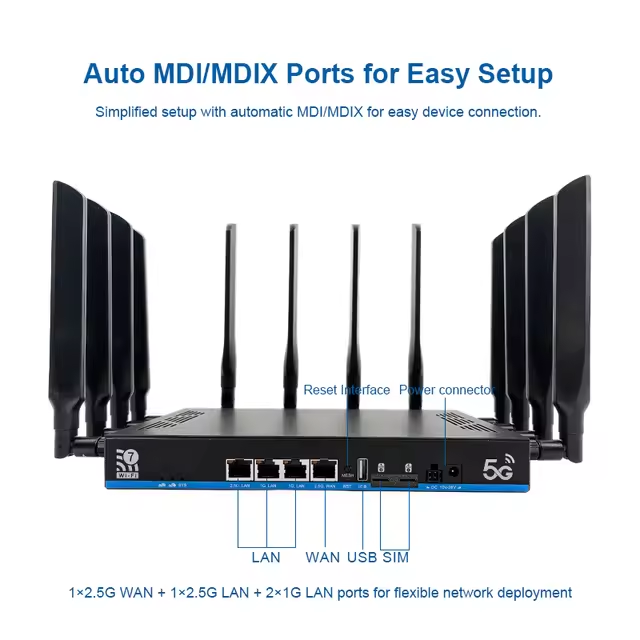
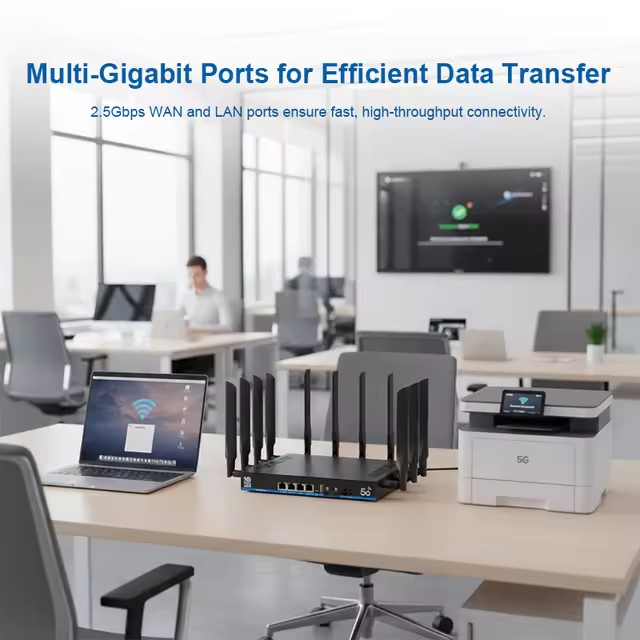
For sites where the 10G SFP+ is used to feed a downstream switch or NAS rather than the WAN. WAN runs on the 2.5G port; the SFP+ becomes a 10G LAN trunk. Coming on CD.
⚠️ A note on the CD-supplied firmware variants
Customers can request alternative firmware variants on a CD. These are signed Rocket Routers OpenWrt sysupgrade images, but flashing is at your own risk — an interrupted flash, the wrong image, or power loss mid-write can brick the device. If you'd rather not flash it yourself, get in touch and we'll do it before shipping or supply a pre-flashed second unit. Either way the 2-year warranty stays valid as long as the firmware came from us.
Conntrack Max & Flow Offload — explained
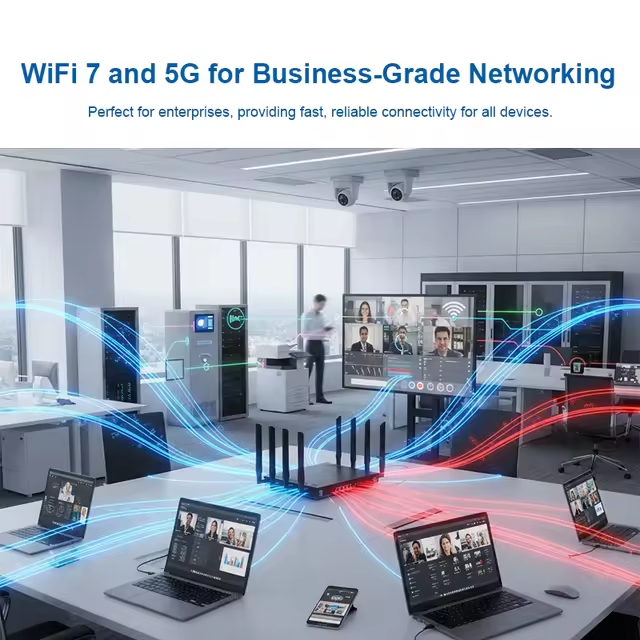
Every device, app and tab on your network opens "connections" — a Zoom call, a Spotify stream, every IoT sensor checking in. The router has to remember each one in a table called conntrack. A normal router ships with about 16,000 slots; once that table fills the router stops accepting new connections (it doesn't crash, it doesn't wipe itself — it just blocks new flows until existing ones time out, which is exactly the moment a busy office grinds to a halt). We've raised the ceiling to 262,144 entries with a 65,536-bucket hash so lookups stay fast under load — eight to ten times the headroom you'll find on a stock OpenWrt or consumer router. On top of that we enable software flow offload: once the kernel has decided how to forward an established connection, it drops the rest of the firewall walk and pushes packets through a fast in-kernel path, freeing the CPU for new connections, Wi-Fi, SQM and the rest. In the language of an enterprise network architect: long-lived TCP timeouts at 86,400 s, UDP at 30 s / 180 s, conntrack flushed on mwan3 link transitions to force re-pin, NAT/firewall offload (nft_flow_offload) running under nftables on Filogic 880's four Cortex-A53 cores pinned to the performance governor. In plain English: the router stops being the slowest thing on your network — even with 400+ devices on it.
SFP+ → 5G SIM Failover, in detail
Failover isn't a single ping check that flips a switch. mwan3 runs multi-target probes against 1.1.1.1, 8.8.8.8 and 9.9.9.9 (and the IPv6 equivalents 2606:4700:4700::1111, 2001:4860:4860::8888, 2620:fe::fe) on a 5-second interval. As soon as fibre fails three probes in a row it's marked offline, conntrack is flushed for that interface, and traffic instantly re-pins to wwan (your global SIM through the X62 modem). When fibre comes back up and passes its probes, traffic snaps back to the primary — again with a flush, so half-open TCP sessions don't sit awkwardly across two paths. Your IPv6 stack failovers in parallel through a separate fibre_then_lte6 policy so you don't lose v6 connectivity when v4 flips. End-to-end the failover is sub-10-second, and your team's TCP retries usually mask it entirely. For the people on the call, the Internet just stayed up.
Load-Balancing Firmware, in detail
The load-balancing variant uses the same mwan3 engine but a different policy: both wan_fibre and wwan are weighted active members. New connections are hashed across the two paths in proportion to the weight you set (default 80% fibre / 20% 5G — adjustable from LuCI). Existing connections stay sticky to whichever path they started on, so a long upload over fibre doesn't suddenly migrate mid-flight to a slower 5G session. If either path fails, the policy collapses to single-path mode automatically. Ideal for offices running cloud backups, persistent VPNs, video conferencing and SaaS at the same time, where you want to use every megabit you're paying for.
What's so good about a Rocket Router
🔁
Real failover, not a ping check
mwan3 with multi-target IPv4 + IPv6 probes. When fibre dies, conntrack flushes and the 5G SIM takes over within seconds — not 30 seconds, not "after the user complains".
📊
Modem dashboard built in
Open LuCI and you'll see your modem's exact model, IMEI, SIM IMSI, signal strength, current band and operator — without SSH'ing in or running AT commands. This is our own addon, baked into every unit.
🌊
CAKE on the cellular link
SQM with the CAKE algorithm tames bufferbloat on the 5G uplink — meaning Zoom, gaming and SSH stay smooth even when someone's pushing a backup over the same SIM.
📡
Tools the customer asked for
LuCI ships with SQM, statistics & collectd graphs, nlbwmon bandwidth tracking, and (on request) Q-Modem so you can pin specific 5G bands. Out of your way until you want it.
🏗️
Built like infrastructure
IPv6 stays on for future-proofing. The CPU governor stays on performance — no power-save hitches under load. Settings survive reboots and upgrades because they're in our uci-defaults, not pasted into a forgotten cron job.
🛠️
Flashable, fixable, yours
Open-source from end to end. If you outgrow the shipped firmware, we'll send you a CD with a different variant — or you fly your own OpenWrt build. No locked bootloader, no vendor cloud, no subscription.